
Coming January 2027 for macOS
Share one mouse and keyboard between your Macs.
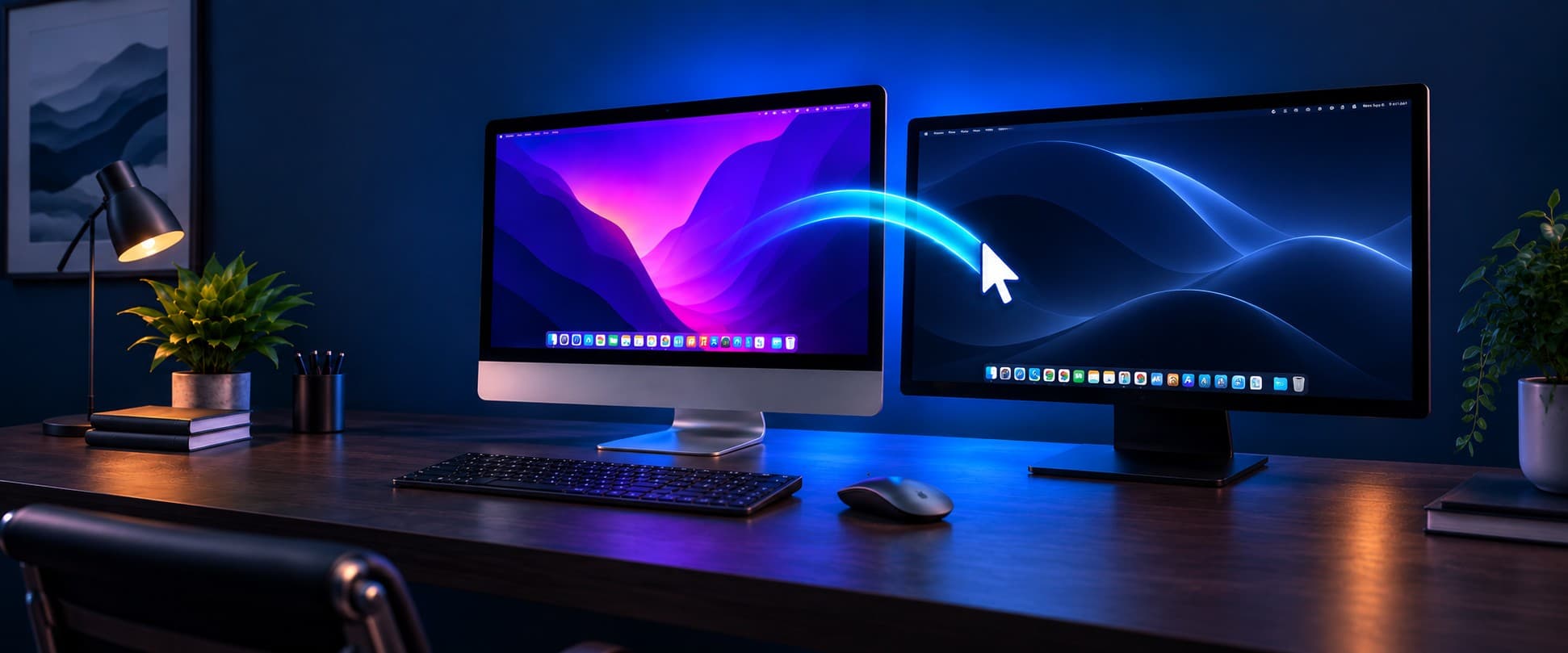
Push the cursor off the edge of one screen and it appears on the next Mac. Your keyboard follows it, and so does your clipboard.
How it works
Use one keyboard and mouse with two Macs, or more
Install on each Mac
BezelMouse sits in the menu bar and finds your other Macs on the network by itself.
Confirm the pairing code
Both Macs show the same six-digit code. Check that they match, then confirm.
Push the cursor across
Arrange your screens in the layout editor, then move the mouse past the edge. Your keyboard and clipboard go with it.
Features
A software KVM for Mac, minus the box and cables
What BezelMouse will do at launch.
Move between Macs
- Push the cursor past a screen edge and it moves to the next Mac, with the keyboard.
- Any Mac can control any other. There is no fixed main computer.
- Connect as many Macs as you have.
- Finds the other Macs on your network automatically.
Arrange every screen
- Works with multiple monitors on every Mac, laid out in a visual editor.
- Choose exactly where the cursor enters each screen.
- Jump straight to any display with a hotkey.
- Optionally dim the screens you are not using.
Copy, paste, and drag
- Copy on one Mac and paste on another: text, formatted text, images, and files.
- Drag files and folders from one Mac to another.
Keyboard and mouse, your way
- Keyboard shortcuts work across Macs, including modifier keys.
- Media keys work too.
- Adjust mouse and scroll speed, and reverse scroll direction.
- Lives in the menu bar, out of the way.
Privacy
Private by design
What you type goes from one Mac to another over your own network, and nowhere else.
Stays on your network
There is no account, no cloud relay, and nothing passes through a server. Your Macs talk to each other directly.
Encrypted connections
Every connection between your Macs is encrypted with TLS 1.3.
Pairing you can check
Two Macs pair by showing the same six-digit code, which you confirm on both. If a device on the network tried to sit in the middle, the codes would not match.
Alternatives
Looking for a Universal Control alternative?
Universal Control, built into macOS, requires every device to be signed in to the same Apple Account and connects one Mac to up to two other devices. BezelMouse pairs Macs with a code instead of an account, so a managed work laptop can sit beside a personal Mac, and it works with any number of Macs.
| Account or Apple ID needed | No |
|---|---|
| Internet connection needed | No |
| Number of Macs | Any |
| Main computer | None; any Mac controls any other |
| Connections | Local network, encrypted with TLS 1.3 |
Questions
When is BezelMouse available?
BezelMouse launches in January 2027, for macOS. Join the waitlist and we will email you when it is out.
Does it work with Windows or Linux?
Not at launch. BezelMouse shares a keyboard and mouse between Macs.
Do my Macs need to be signed in to the same Apple ID?
No. Macs pair with each other directly using a six-digit code, so a work laptop signed in to a different Apple Account can sit next to your personal Mac.
Does it need an internet connection or an account?
No. BezelMouse works over your local network. There is no account to create, and nothing passes through a server.
Is it secure?
Every connection is encrypted with TLS 1.3 and stays on your local network. To pair two Macs, you check that both show the same six-digit code and confirm. A device trying to intercept the connection would make the codes differ.
How many Macs can I connect?
As many as you like. Any Mac can control any other; none of them has to be the main one.
Why does macOS ask for Accessibility permission?
macOS only lets an app move the pointer and type for you if you allow it in Privacy & Security settings. Every app that shares a keyboard and mouse needs this permission.
Does it work at the login screen?
No. BezelMouse works once you are logged in on each Mac. At the login or lock screen, use that Mac's own keyboard and mouse.
How much will it cost?
Pricing will be announced before launch.